Payment Information
Details for making payments to Sai Samarth Cement Pipe and Products.
PhonePe Payment
Scan QR code or send to registered number
Registered Phone Number
Scan QR Code
Bhim Upi
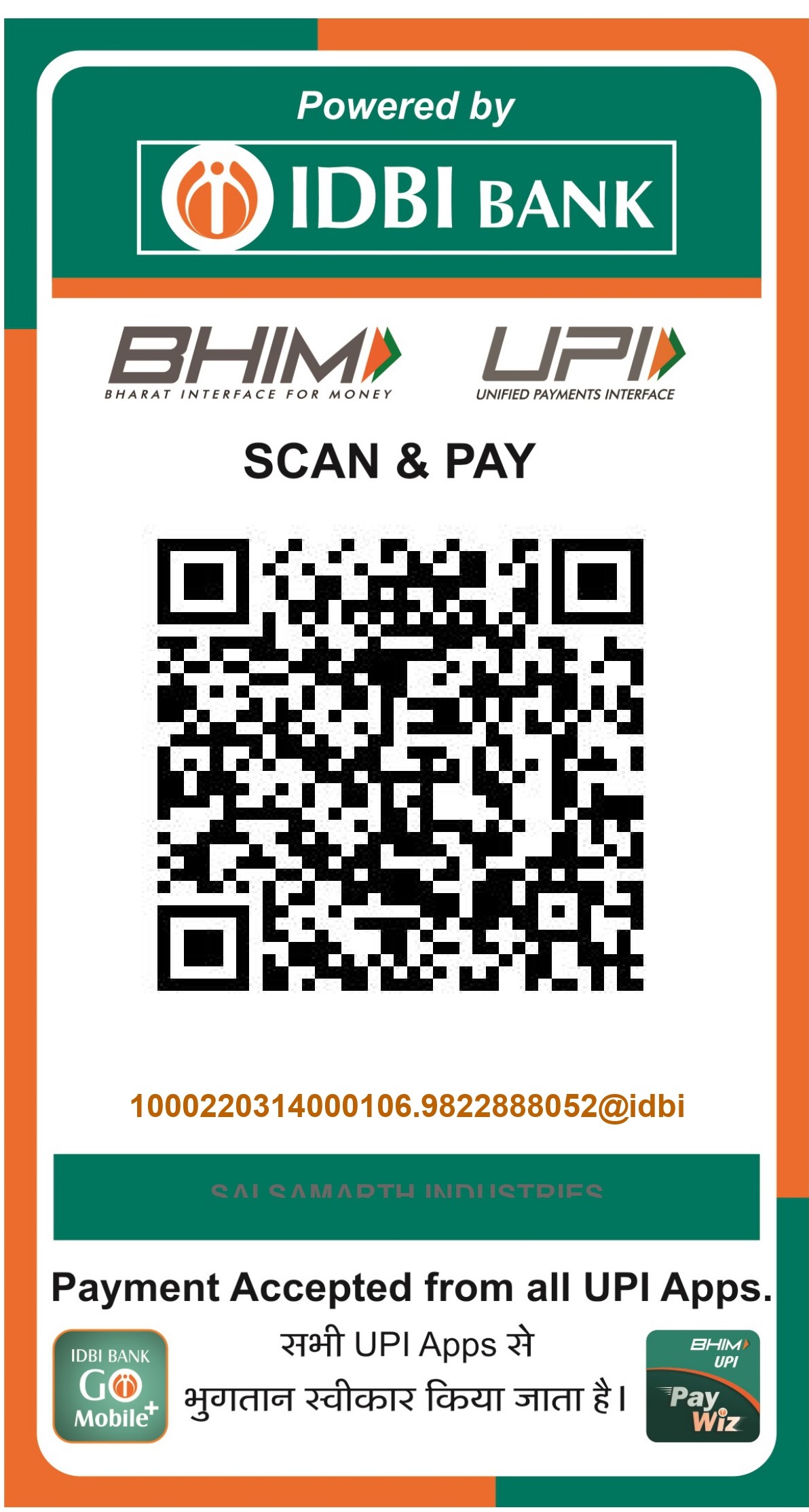
Open PhonePe app → Scan QR → Enter amount → Pay
How to Make Payment
Follow these simple steps to complete your payment
-
1
Open PhonePe app on your smartphone
-
2
Tap on 'Scan QR Code' from the home screen
-
3
Point your camera at the QR code above
-
4
Enter the payment amount and add a note (optional)
-
5
Review details and confirm payment with your UPI PIN
-
6
Take a screenshot of payment confirmation for records